Explaining Digital Literacy to Kids: Find, Think, Do
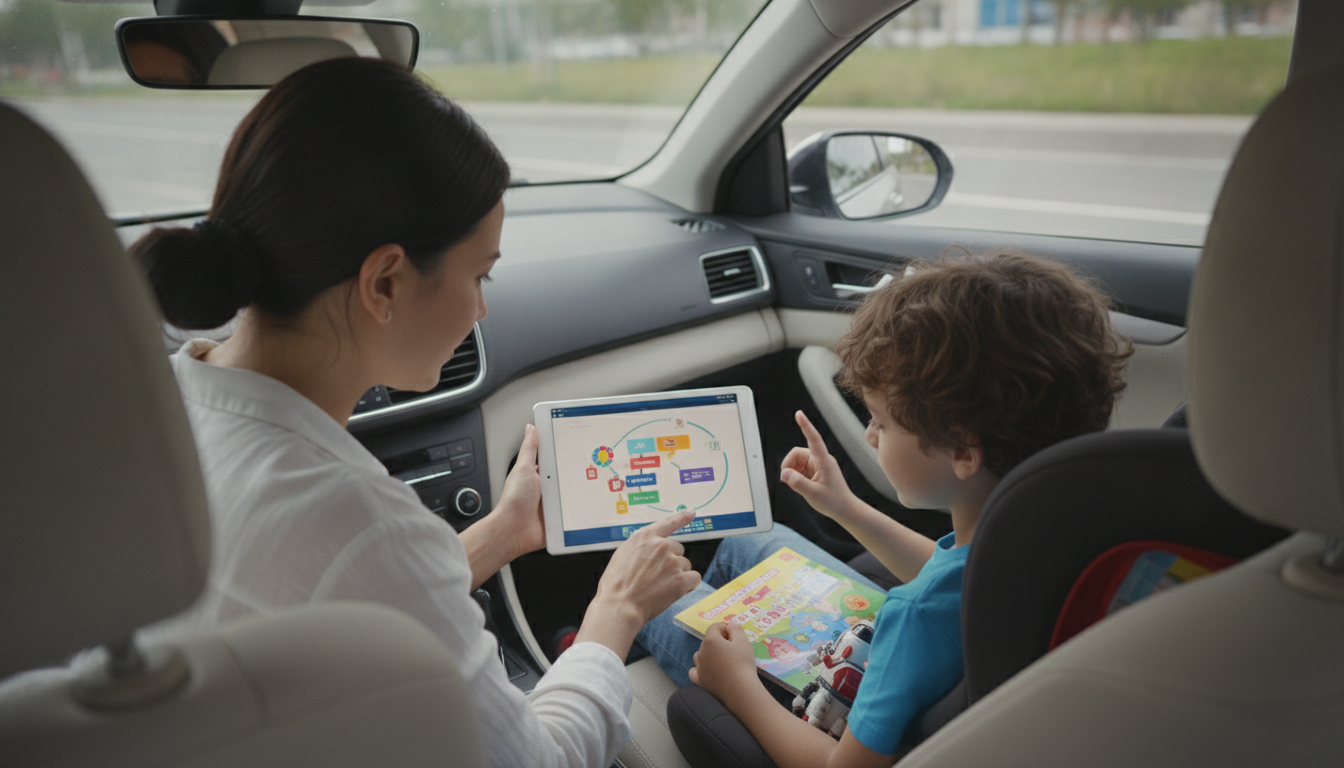
How to explain digital literacy to kids?
Digital literacy is the set of skills kids use to understand, use, and question what they see and do on screens. A simple way to describe it is: “It’s how you stay smart, safe, and kind online—just like you do in real life.” Keep the explanation concrete by tying it to things they already do, like watching videos, playing games, chatting, or searching for homework help.
Start with three kid-friendly pillars
1) Find: Teach them how to search and choose good information. Explain that not everything online is true, and “looking it up” can mean checking more than one place.
2) Think: Show them how to pause before trusting or sharing. Ask quick questions: “Who made this?” “What do they want you to do?” “Does it sound too extreme or too perfect?”
3) Do: Cover safe and respectful behavior—privacy, passwords, and kindness. Explain that online actions leave a trail, and words on a screen still affect real people.
Use everyday examples and mini-scripts
When they see a surprising video, say: “Let’s be detectives—can we find the same fact somewhere else?” When they want to post a photo, say: “Is there anything in this picture that tells strangers where we are or who you are?” When they’re chatting, say: “If you wouldn’t say it face-to-face, don’t type it.”
Make it hands-on (and short)
Try a 5-minute “spot the clues” game: compare two websites, look for an author name, date, and whether it’s trying to sell something. Practice creating strong passwords together, then explain why sharing them—even with friends—can cause problems. Keep lessons brief and repeat them often in real moments, not lectures.
For more age-by-age tips, examples, and activities, visit this guide on explaining digital literacy to kids.
FAQ
How can parents teach kids about online privacy?
Focus on what should stay private (full name, address, school, passwords, live location) and practice checking app settings together. Make a “pause rule” before posting: if it identifies you or your location, don’t share it.







Leave a comment